Introduction
Please follow the instructions below to replace U-Design’s menu with HeroMenu. The menu within U-Design will interfere with HeroMenu, so we have to remove some code inorder to make sure U-Design has no effect on HeroMenu.
Take Note
All changes are done within the header.php file. Start by making a backup of this file. Please also note in future that theme updates by the author might overwrite the header.php. So make sure that when you do a theme update, also do this bit in the header.php file again.
Manual Integration
Replace the following code within header.php:
<div id="top-wrapper">
	<?php udesign_top_wrapper_top(); ?>
    <div id="top-elements" class="container_24">
     	<?php udesign_top_elements_inside( is_front_page() ); ?>
    </div>
    <!-- end top-elements -->
    <?php udesign_top_wrapper_bottom( is_front_page() ); ?>
</div>
With the following:
<div id="top-wrapper">
	<?php wp_nav_menu(array('theme_location' => 'primary')); ?>
</div>
Menu Location Settings
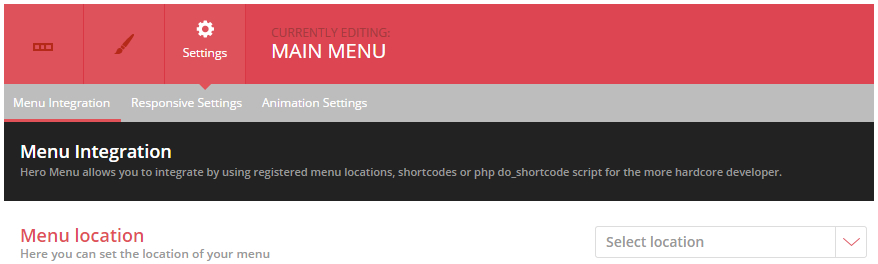
Navigate to Hero Menu » Settings » Menu Integration and set menu location to Primary.