CONTENTS:
Add a Newsletter Signup Form Element
Newsletter Signup Form Layouts
Add a Newsletter Signup Form Element
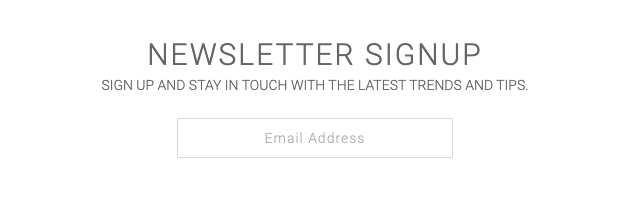
The 'Newsletter Signup Form' element can be added using 'WPBakery Page Builder' to sign people up for your newsletter, or just to capture email addresses.
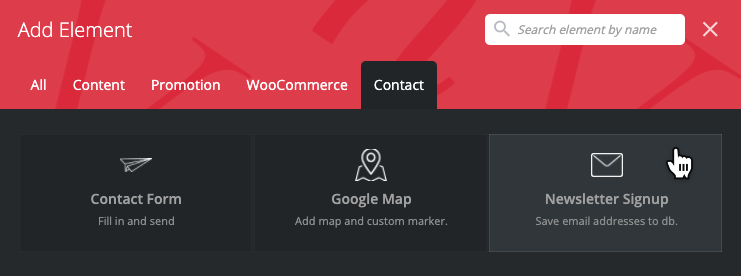
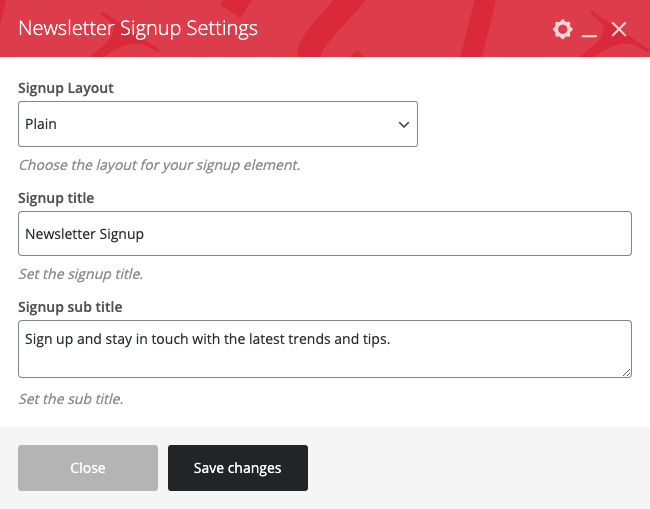
In the Newsletter Signup Settings, you can change the layout, Signup form title & Signup sub title. Click 'Save changes' to apply your settings.
Download Signup Emails
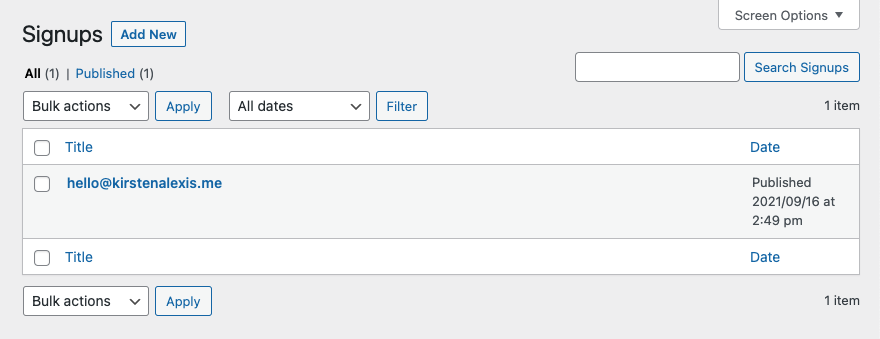
The email addresses collected from this signup form will be saved in your database and can be viewed by navigating to 'Signups' in your WordPress sidebar.

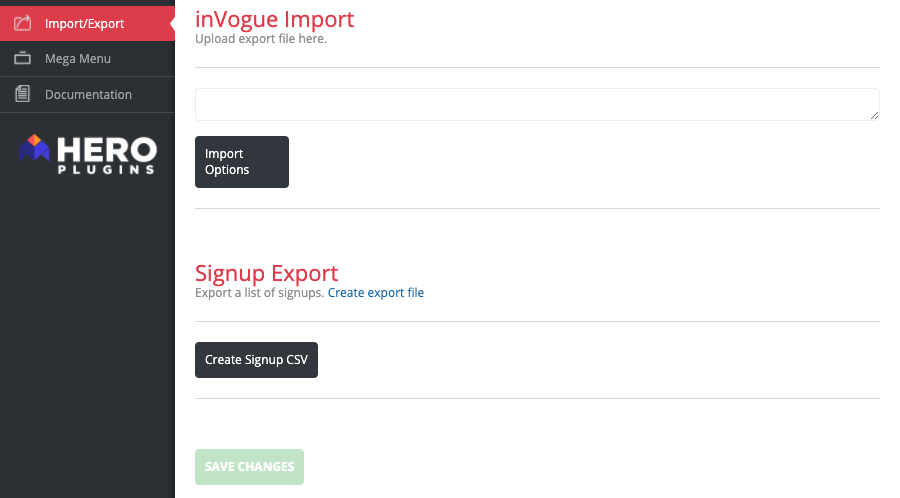
You can export this list via your InVogue settings panel. Navigate to Appearance → inVogue Settings → Import/Export and scroll down the page to 'Signup Export'. Now select the 'Create Signup CSV' button.
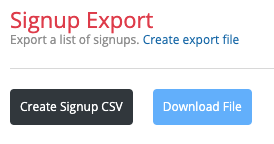
Once the CSV has been created you will see a 'Download File' button. You can now download the file.
Newsletter Signup Form Layouts
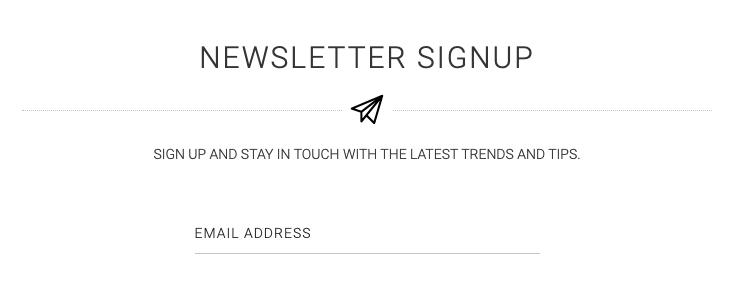
There are two layout options for the Newsletter Signup element.
DEFAULT LAYOUT
PLAIN LAYOUT