Front end preview:
Add this if you want to showcase a product on you home page.
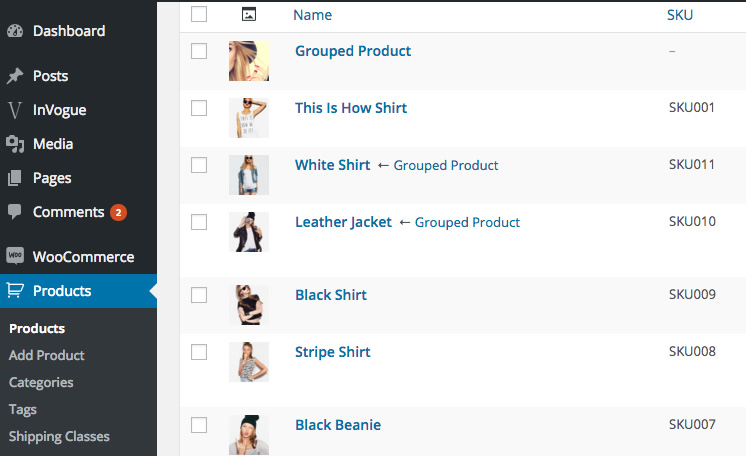
Firstly, go to that product. (Products in your WP sidebar)
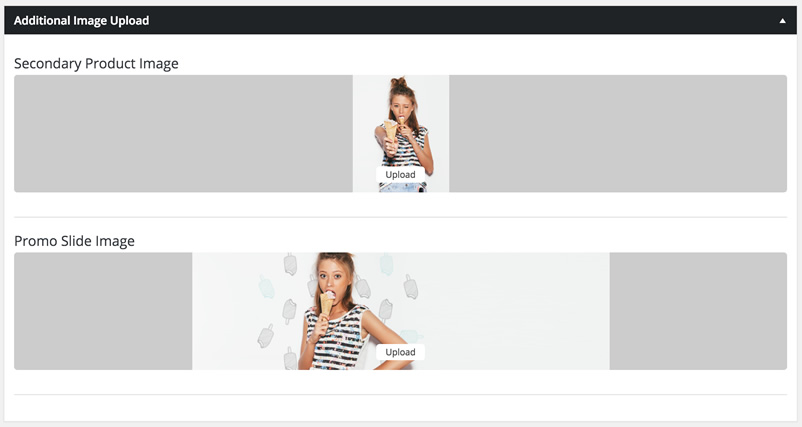
Now add a promo slide image. Make sure this image is about 2000px wide and that the right half of the image is nice and clean for text to display.
Save/Update this product
Now go to the page where you want to add this slider
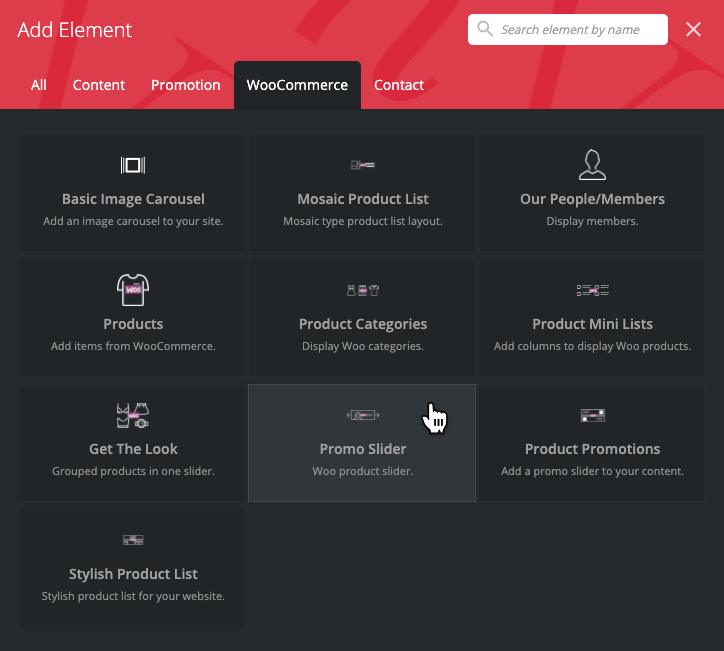
Add the promo slider element and add the products by start typing the names of the products you want displayed in the slider.Hit save
You can make this a full screen width element by doing the following
Click on the edit button of the row container

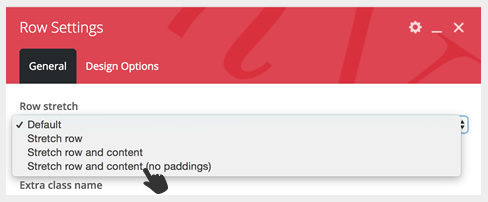
A Row Settings popup will appear and change it from “Default” to “Stretch row and content”